Use of technology platforms to store planning data
Use of school technology platforms to support student learning
ManageBac
I use this system because it provides an integrated experience for coordinators, teachers, students, and parents. As a teacher, I check it online, recording student work, evaluating progress and checking understanding. It also provides efficient curriculum planning, assessment, reporting, notification, and attendance recording, while eliminating paperwork and enhancing parental communication and student learning.
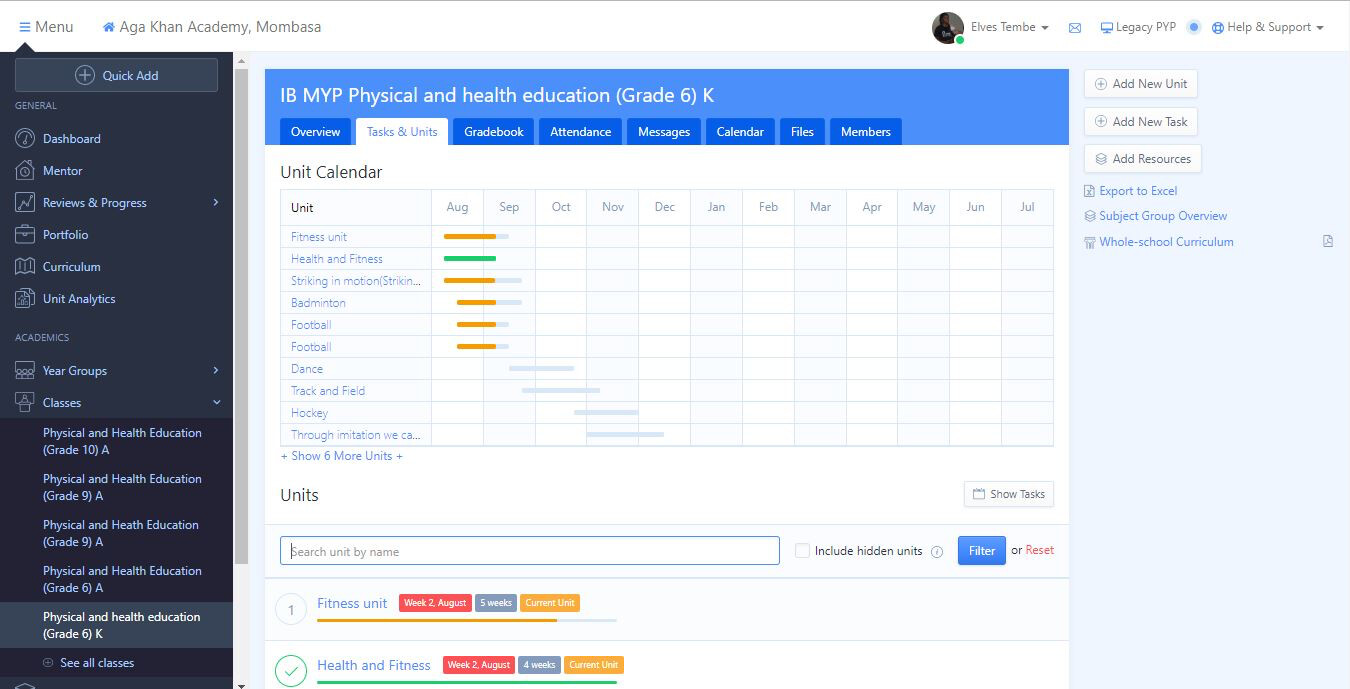
This platform shows how efficient it is to integrate technology to facilitate the teacher's work, making activities more organized and recorded.
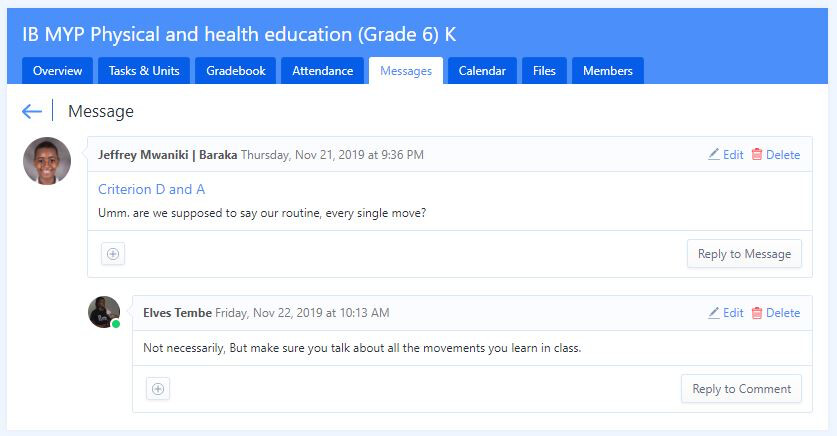
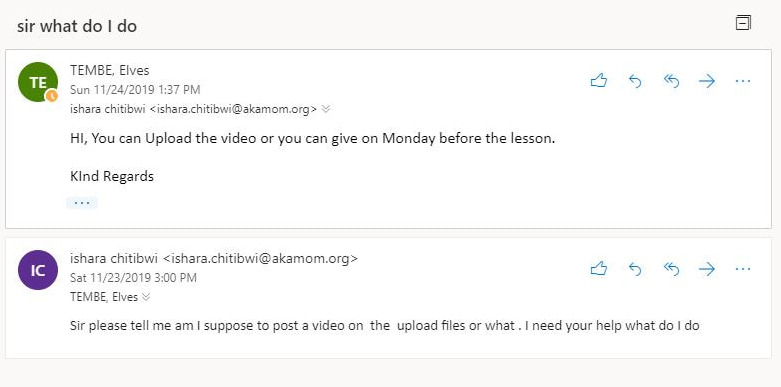
Email.
Use of Plickers in my lessons
YEAR 6
Not only will this make things easier for the teacher, but the students will be able to see the response results on the screen immediately while keeping the answers anonymous. Additionally, through the use of Plickers all students are continuously responding to opportunities to respond provided, as opposed to select students when hand-raising tactics are used. This in turn may allow for a lower dosage of OTR to be provided to the class with the same beneficial results, thus making duties even less constraining for teachers (McCargo, 2017).
Although the creation of Plickers is a potentially useful tool for classrooms, they have yet to be evaluated in empirical research. The lack of research with this application leaves a potentially vital absence in the literature that may improve both learning and teaching with the use of this new technology (McCargo, 2017).
Effective use of mobile technology in the classroom
Creating videos
Year 10 students
During our basketball unit, students worked in pairs (client and coach), where we expected them to collect information about their client.
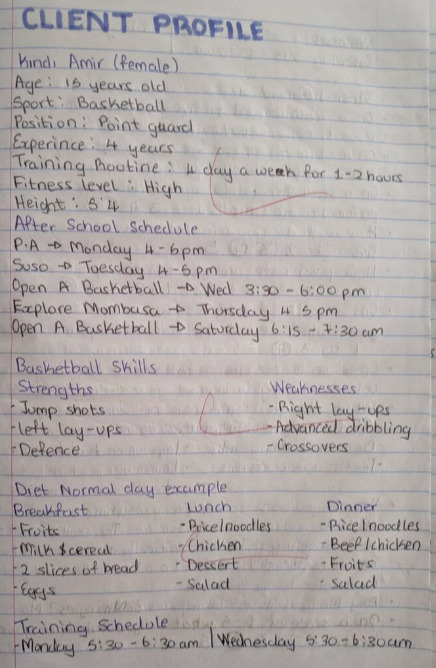
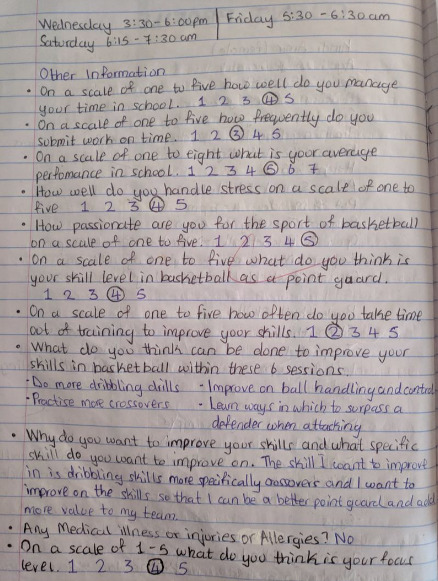
After the students collect this information they make a video of the client playing to observe their weakest and strongest points.
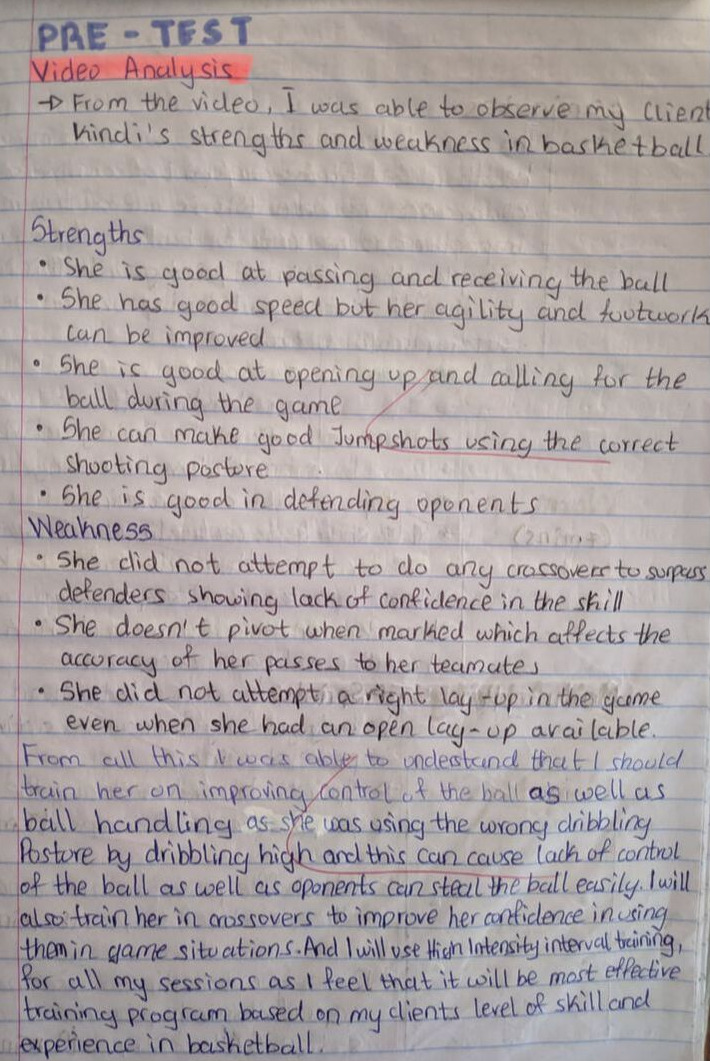
With the client information and the video, the students analyse their client playing and come up with goals that will help them to plan training sessions for the client and help them improve.
Example of one of my student's video analyses.
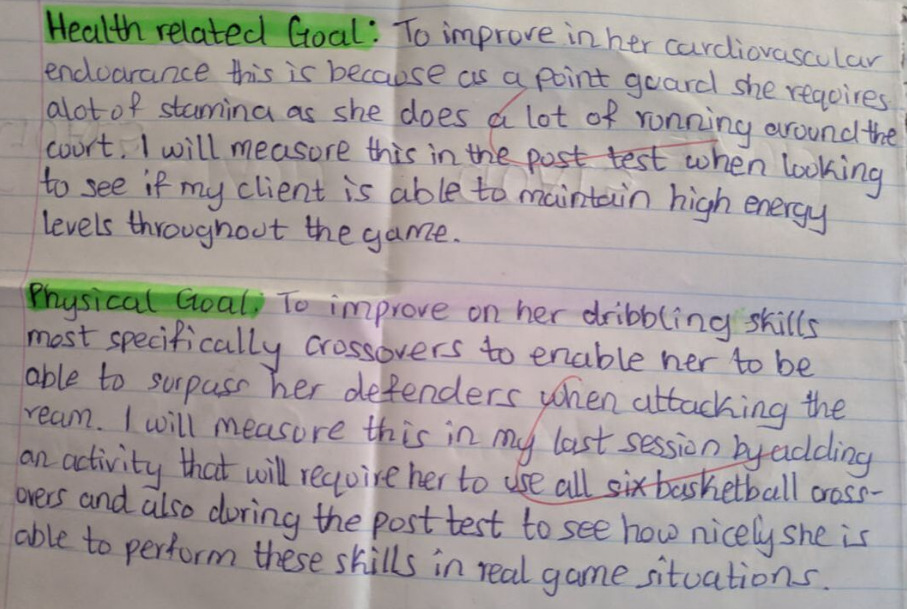
After collecting information, making the video and analysing it, the coach comes up with two goals, one health related and one physical related.
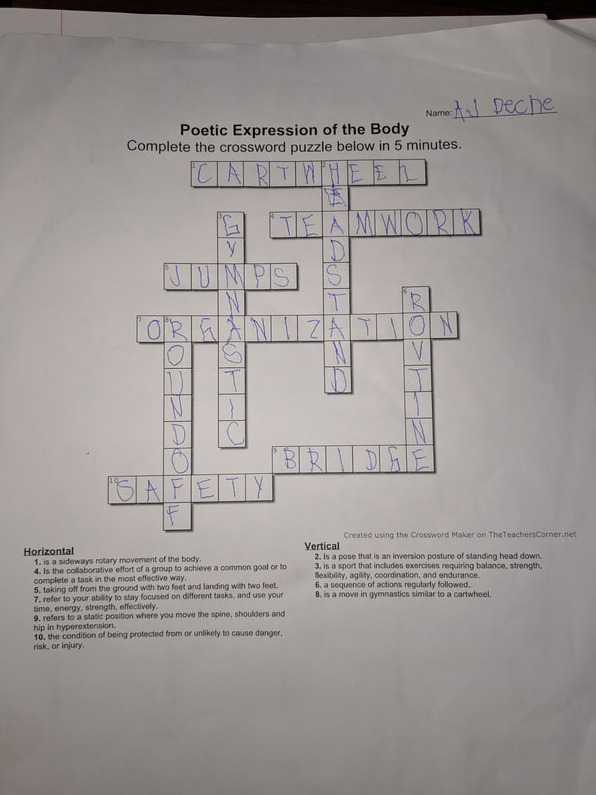
Use of puzzle for formative assessment
Using tablet to assess criterion C in slow motion
Collaboration
Evidence that students learn and apply a variety of technology skills
I will start with basic examples of use of technology in class.
Students using their laptops to collect client data and research, and use of a stopwatch in their coaching sessions.
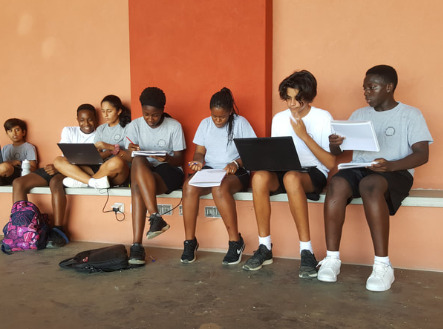
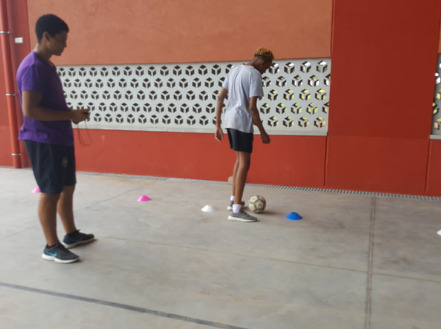
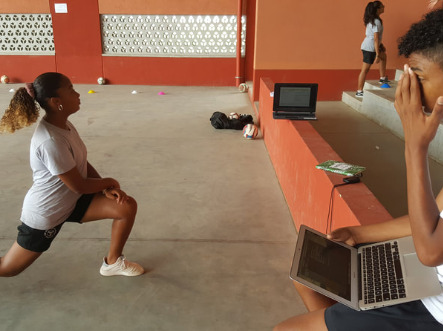
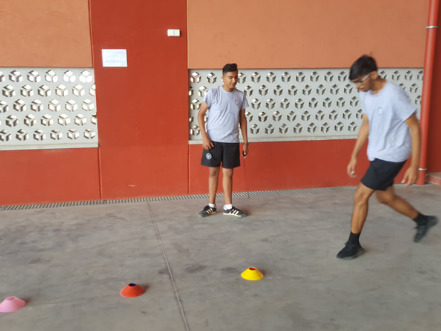
How students can use technology to drive improvement
For Physical and Health Education a camera plays an important role in improving performance. I start by using a tablet to record their skills and show them their mistakes, and they can change how they perform because sometimes we think we are doing right until we see the truth. That's why my students started to use cameras when they do peer coaching to help their client improve their performance.